Audience
Compono was developed specifically for people with motor and cognitive impairments. Large controls, clear visual feedback and full VoiceOver support make puzzling accessible to everyone — children, adults, seniors.
Our App · On the App Store
The accessible puzzle experience.
For iPad and iPhone — up to 64 pieces, your own photos and an intelligent hint system. No ads, no login, playable instantly.
Available now
The Name
componere
Componere · To Assemble, To Arrange, To Compose
Compono comes from the Latin word for “to put together” — exactly what happens when you do a puzzle.
From the roots com- (together) and ponere (to place, to set), the name emerges. Piece by piece, a complete picture forms — patiently, accessibly, with heart.
The app in pictures
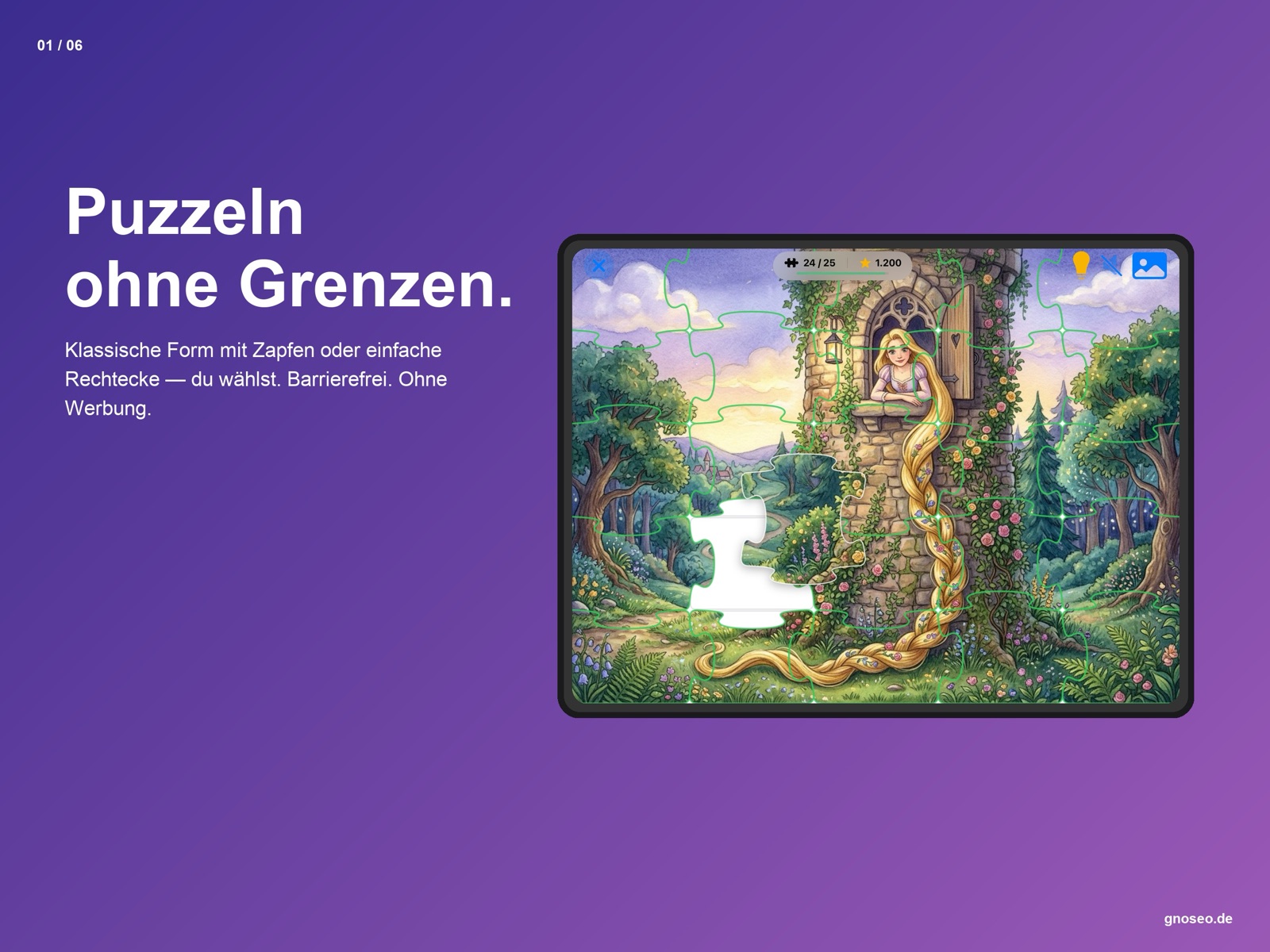
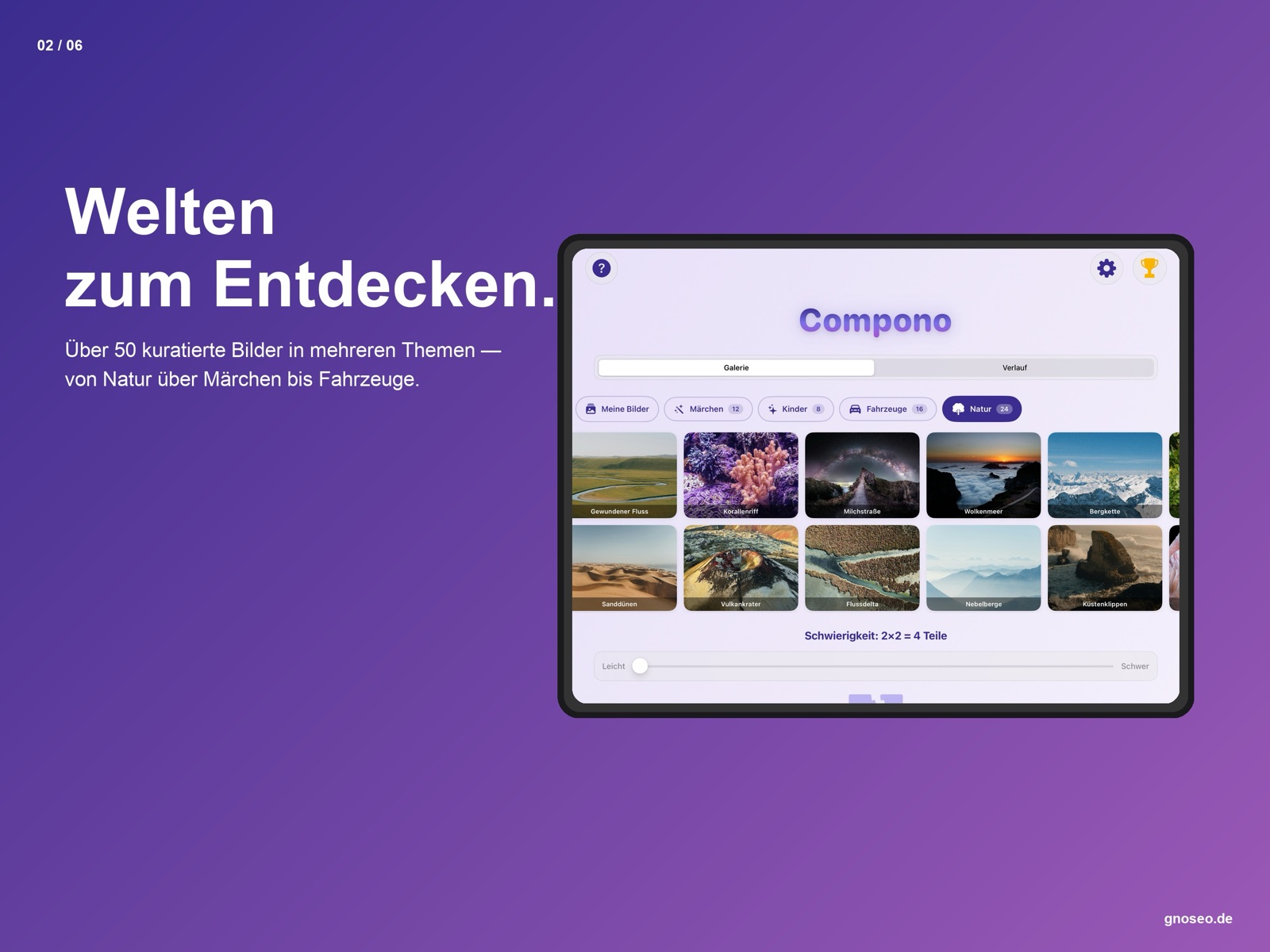
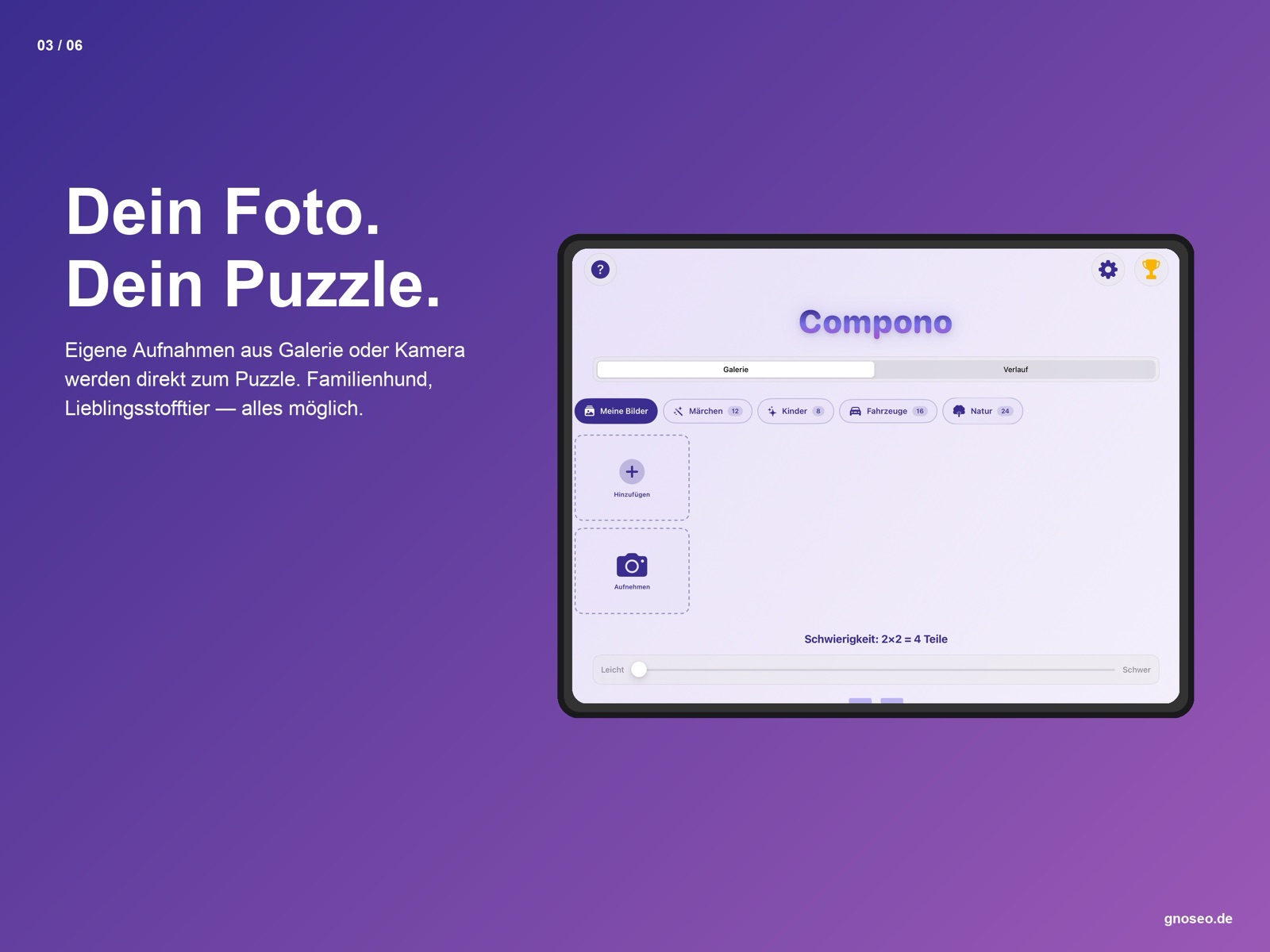
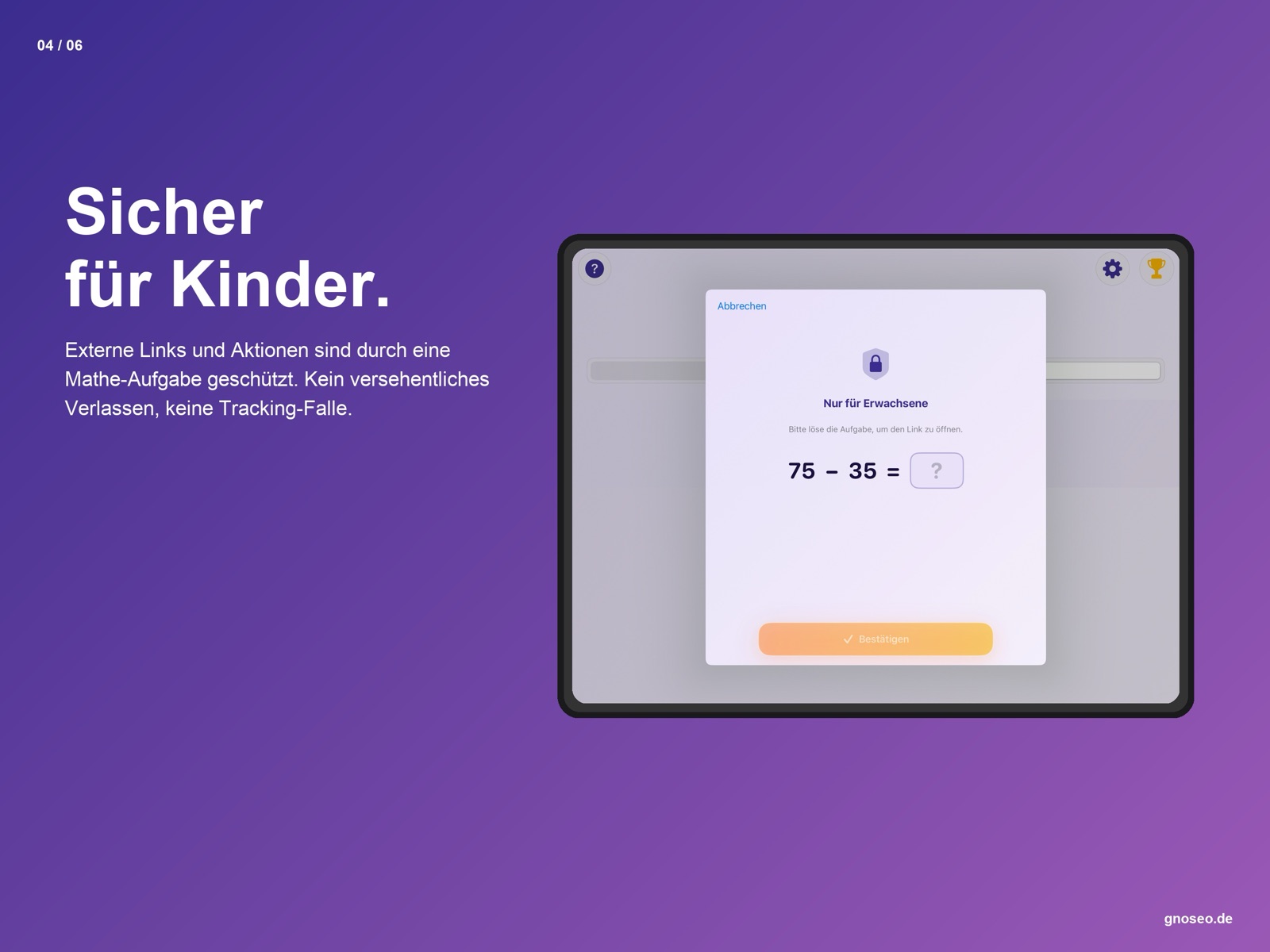
Six impressions from the app — from the gallery to the moment of success.

← Swipe to browse →
At a glance
What you get the moment you start — and everything you can add later.
Concept
Compono was designed from the ground up for people with motor and cognitive impairments — not adapted afterwards.
Compono was developed specifically for people with motor and cognitive impairments. Large controls, clear visual feedback and full VoiceOver support make puzzling accessible to everyone — children, adults, seniors.
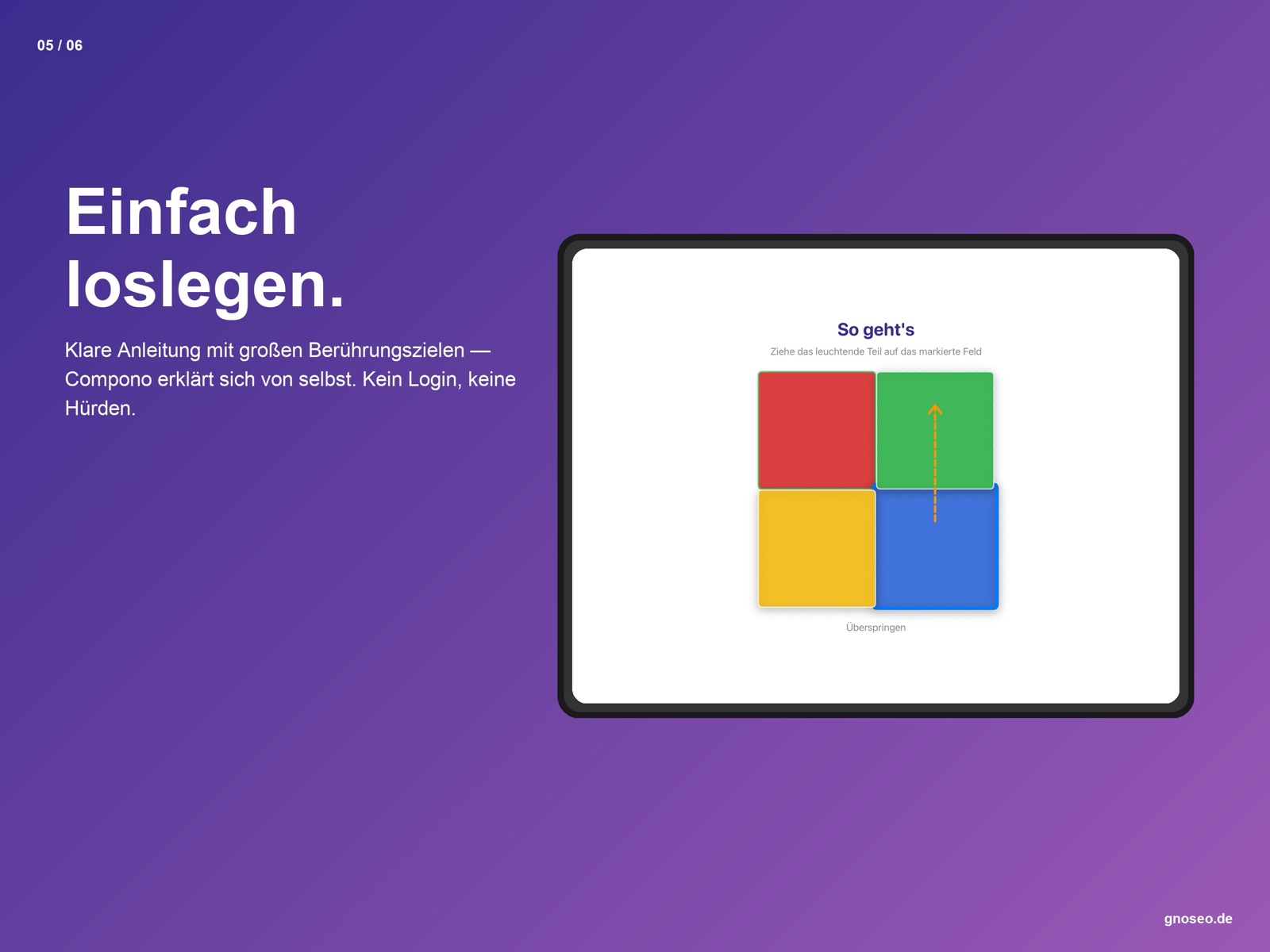
Easy to start, easy to play. No account required, no onboarding stress. An interactive tutorial introduces the app on first launch — after that, everything is reachable with no more than two taps.
Feature set
Compono was designed from the ground up so that everyone — regardless of age, ability or technical knowledge — can simply get started.
19 images in three categories: nature photos, colour gradients and children's motifs. Horizontally scrollable.
Import any photo from your photo library. It's automatically cropped and split into pieces.
Grids from 2×2 (4 pieces) to 8×8 (64 pieces). A visual grid preview shows the difficulty in real time.
Highlights a random piece and its target position in orange at the same time. No points for that piece — fair & motivating.
Points per piece depending on difficulty. Real-time progress bar. Success screen with confetti.
Scores are automatically submitted to Game Center. Compare yourself with other players right in the app.
Automatic on first launch. A 2×2 demo puzzle with arrow hints and auto-placement. Repeatable any time.
A click when a piece snaps in, a fanfare on victory. Sound can be turned on/off. Haptic feedback on every snap.
After the puzzle: “Replay” restarts the same image, “Main menu” returns to the image selection.
Content
19 motifs in three categories — from delicate nature shots to cheerful children's images.
🌿 Nature images
🎨 Colour gradients
🧸 Children's motifs
Accessibility
Compono was designed for people with disabilities from the very beginning — not adapted afterwards.
All interactive elements have complete accessibility labels and traits.
Animations are automatically disabled when this is requested in the iOS settings.
Stronger borders and higher-contrast colours when the iOS setting is active.
Place puzzle pieces directly at their target position via an action — entirely without drag & drop.
All touch targets comply with Apple's Human Interface Guidelines for accessibility.
The hint system highlights the piece and its target position in orange at the same time — ideal for cognitive impairments.
Noticeable feedback on every snap — you can tell whether a piece has locked in even without sound.
The click and fanfare can be disabled independently — haptics remain unaffected.
Available now on the App Store — accessible, no ads, no login, free.

Available for iPad and iPhone · iOS 17.6+ · free